Since 2020 · surge protector power strips

Alestor surge protector power strip

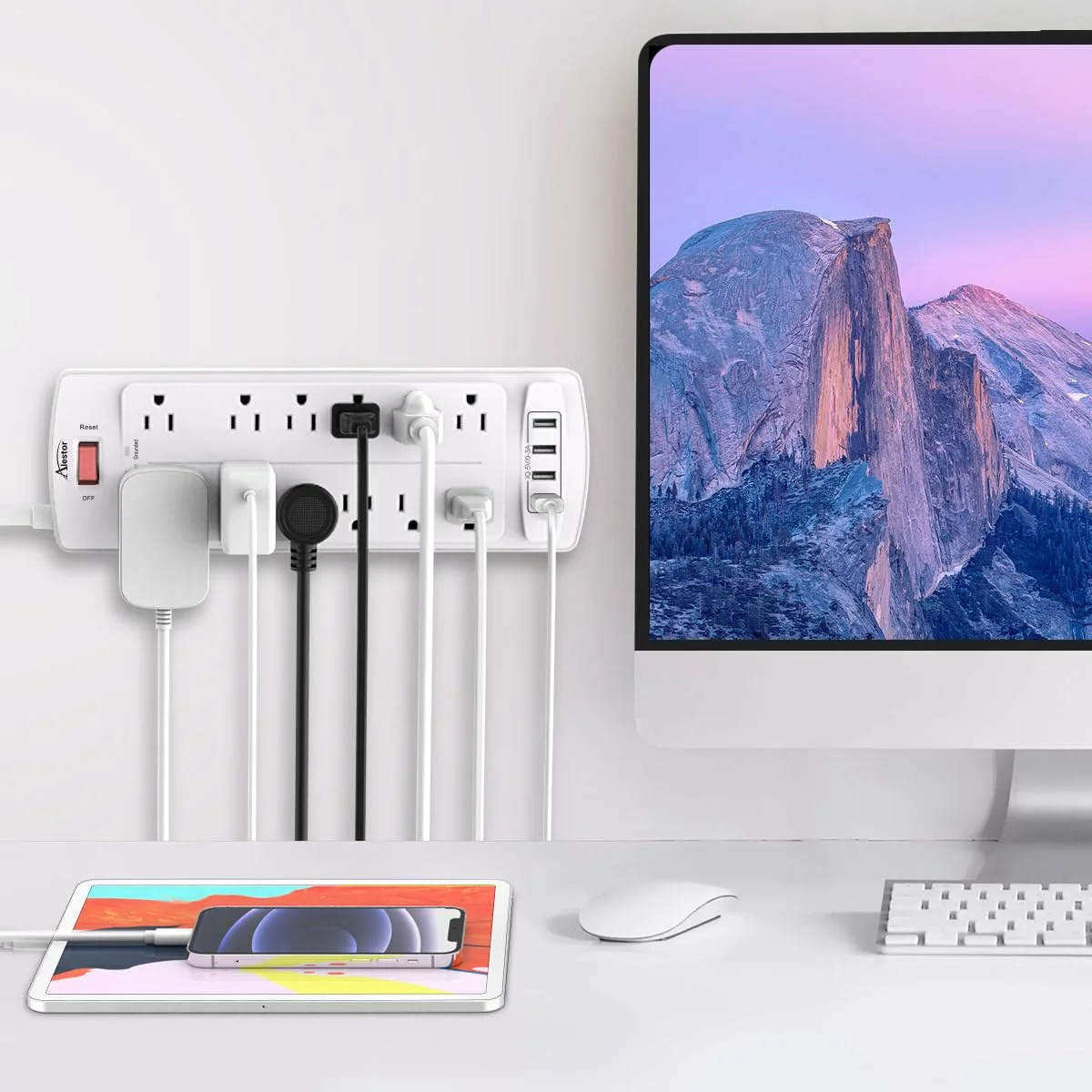
Twelve outlets, four USB ports and 2,700 joules of surge protection on one strip, with a cord of 6, 10, 15 or 20 feet. Pick the length that reaches your wall outlet, so you never need a second cord to get there.

50,969 total reviews

From $16.14 in our last update

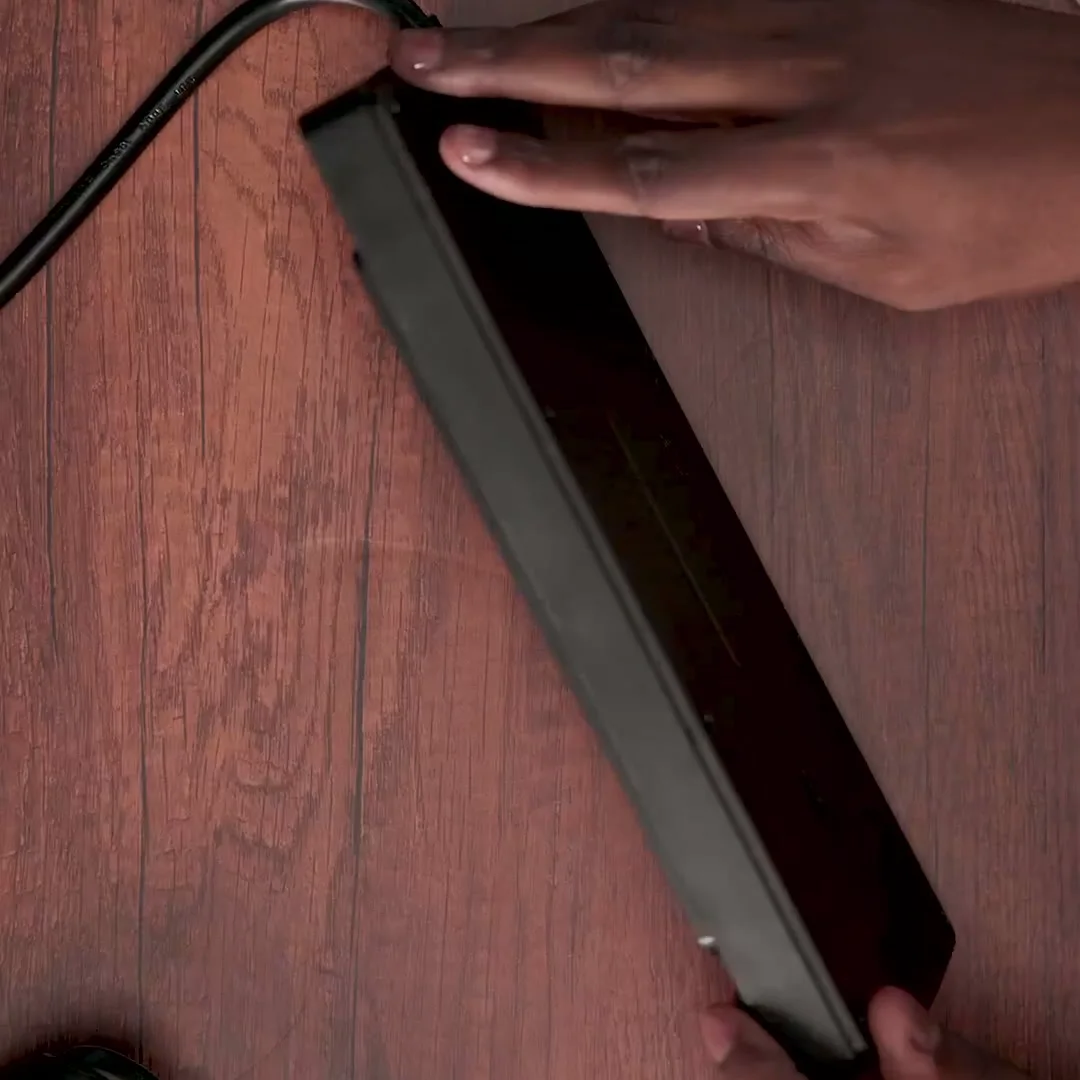
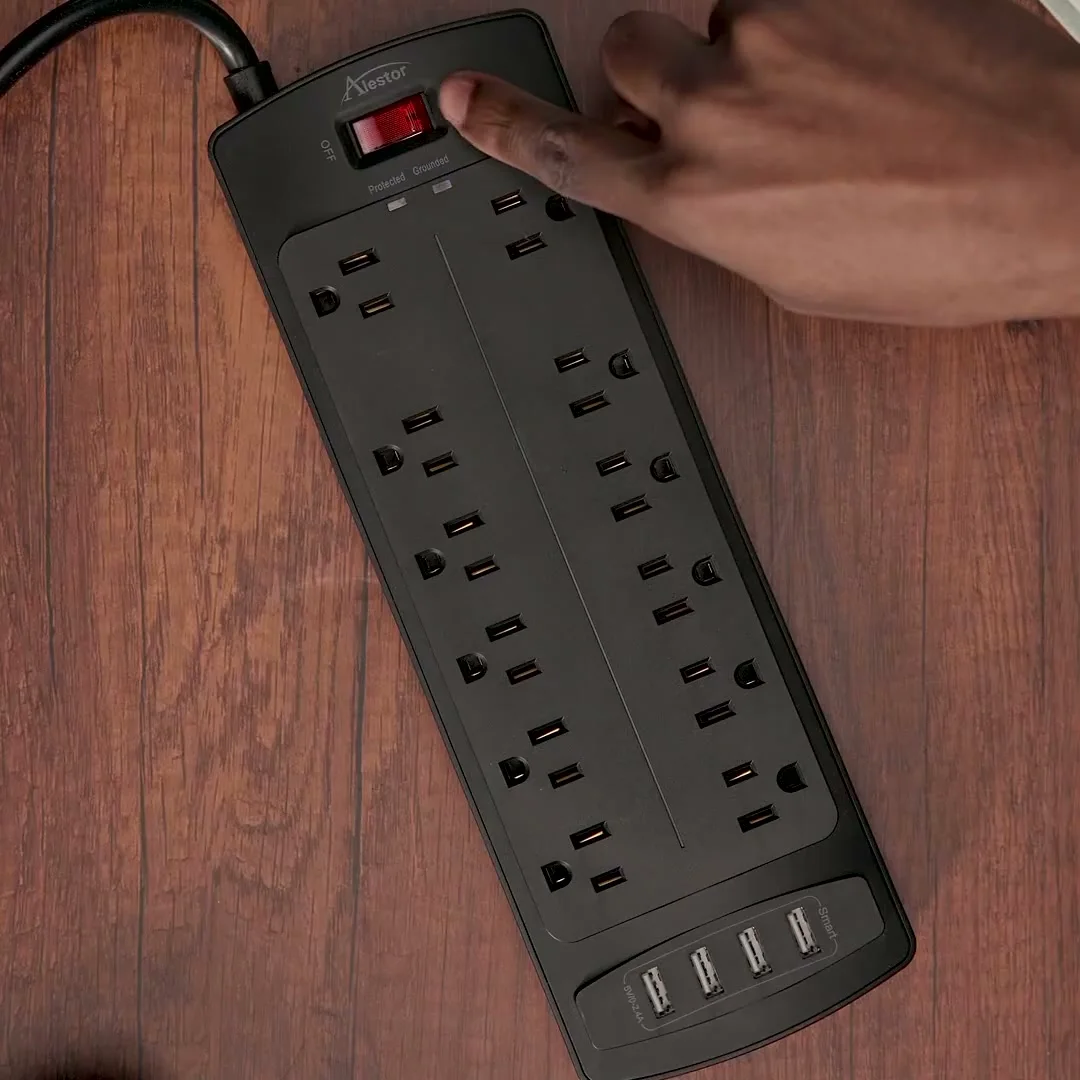
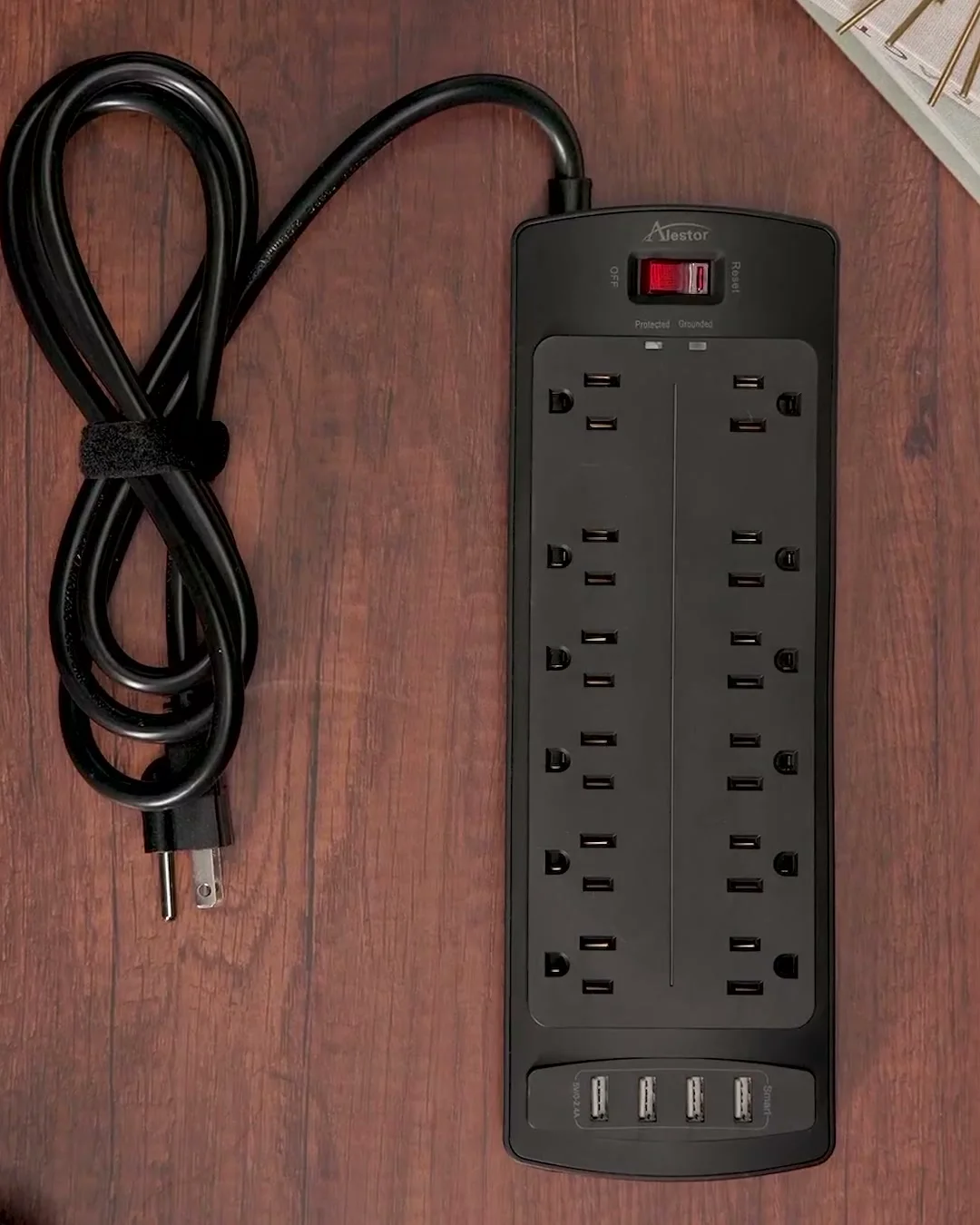
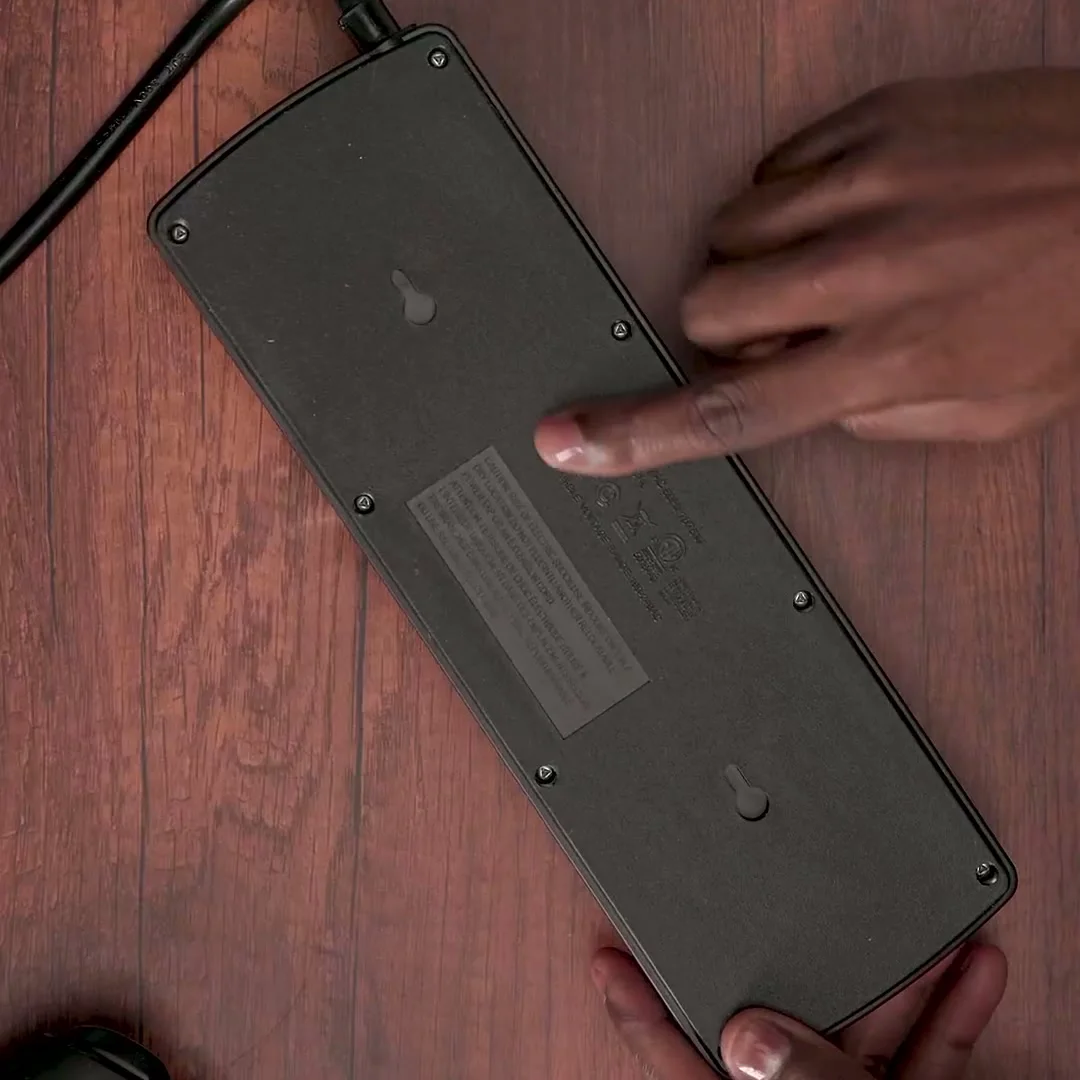
The 6 ft black strip on a desk: switch, lights, the side profile and the keyhole slots on the back.

01Rating plate

Alestor in six numbers

The same figures are printed on every one of the nine strips we sell. Only the cord length and the color change.

12AC outlets
2 of them wide-spaced
4USB ports
3 USB-A, 1 USB-C, 17 W shared
2,700joules
three-stage surge circuit
1,875watts
15 A at 125 V, whole strip
6 to 20ft cords
4 lengths, 14 AWG
ETLlisted
safety mark of the strip

03Outlet map

Twelve outlets, and the two that are spaced for adapters

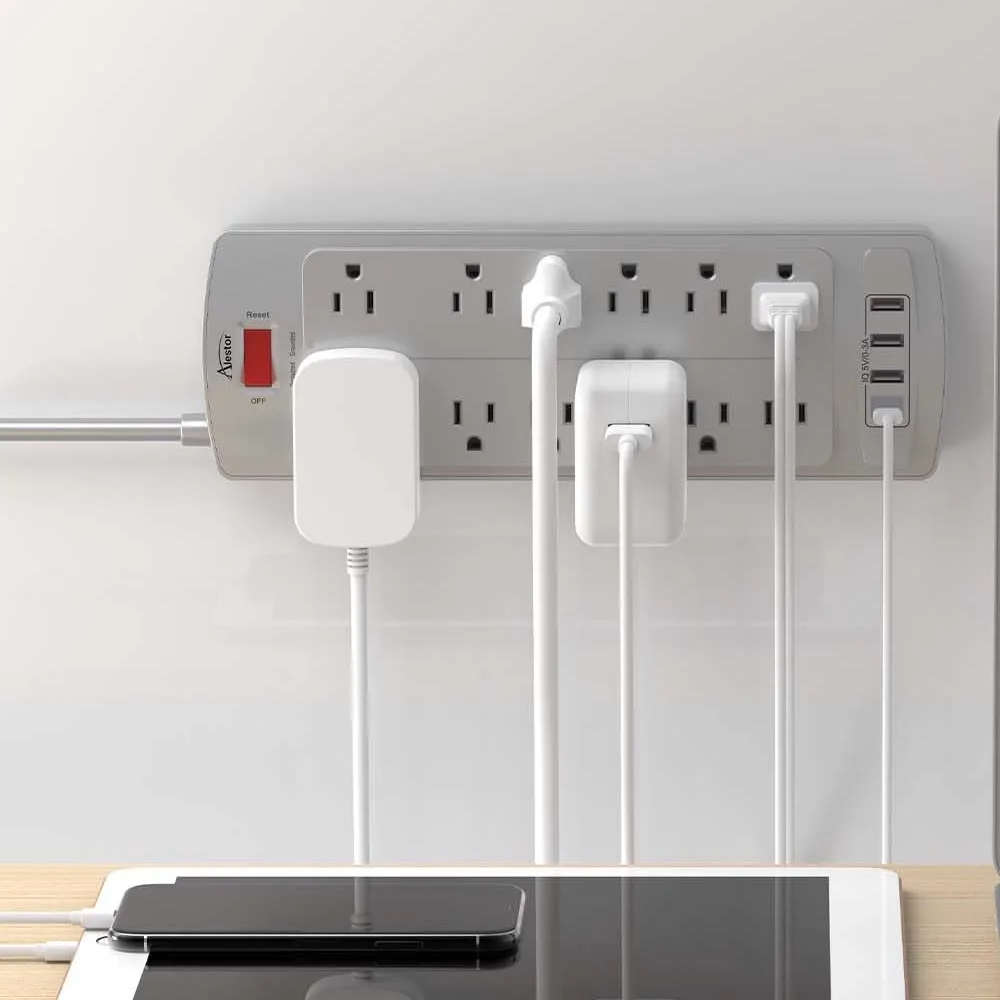
Most outlets on a strip sit close together, so one wide charger brick can cover the outlet next to it. On the Alestor strip the top pair is set 2 inches apart. Put the bulky adapters there, and the ten outlets below stay free for ordinary plugs.

Top-down drawing of the Alestor strip: switch and two lights at the head, two wide-spaced outlets, ten outlets in two rows, four USB ports at the end 1234
  1. 1Top pair 2 outlets set 2 inches apart, for laptop bricks and router adapters.
  2. 2Main rows 10 outlets at standard spacing, in two columns of five.
  3. 3USB block 3 USB-A ports at up to 2.4 A each and 1 USB-C port at up to 3 A, 17 W shared.
  4. 4Head A lit on and off switch with 15 A overload protection, the Protected light and the Grounded light.

04Surge protection

What sits between the wall and your devices

The 2,700-joule figure is an energy rating for the protection circuit inside the strip. Makers measure it in different ways, so two joule numbers from two brands are hard to compare. What we can show you is what is inside and how the strip tells you it is working.

  1. WallOutlet, 125 VOne grounded wall outlet feeds the whole strip through its 14 AWG cord.
  2. MOVMetal oxide varistorThe part that takes the bulk of a surge and steers it away from the outlets.
  3. GDTGas discharge tubeA second stage for the larger spikes that a varistor alone would struggle with.
  4. TVSTransient voltage suppressorThe fast stage for short, sharp spikes on the line.
  5. 12 + 4Outlets and USBWhere your devices plug in: twelve AC outlets and four USB ports.

Protected light. Lit while the surge circuit is working. If it goes out while the strip is switched on, replace the strip.

No surge protector can handle a direct lightning strike, and the circuit protects only what is plugged into this strip. Our guide to joules explains the other figures on a surge protector label and how to read them.

05Three finishes

Black, white or gray, same strip inside

The finish is the only thing that changes besides the cord. Pick the one that matches the desk, the baseboard or the wall behind the TV.

  • Black Alestor strip on a desk
    Black6, 10, 15, 20 ftfrom $16.14
  • White Alestor strip on a desk
    White6, 10, 20 ftfrom $22.99
  • Gray Alestor strip on a desk
    Gray6, 10 ftfrom $22.99

06Before you plug in

What goes on the strip, and what goes in the wall

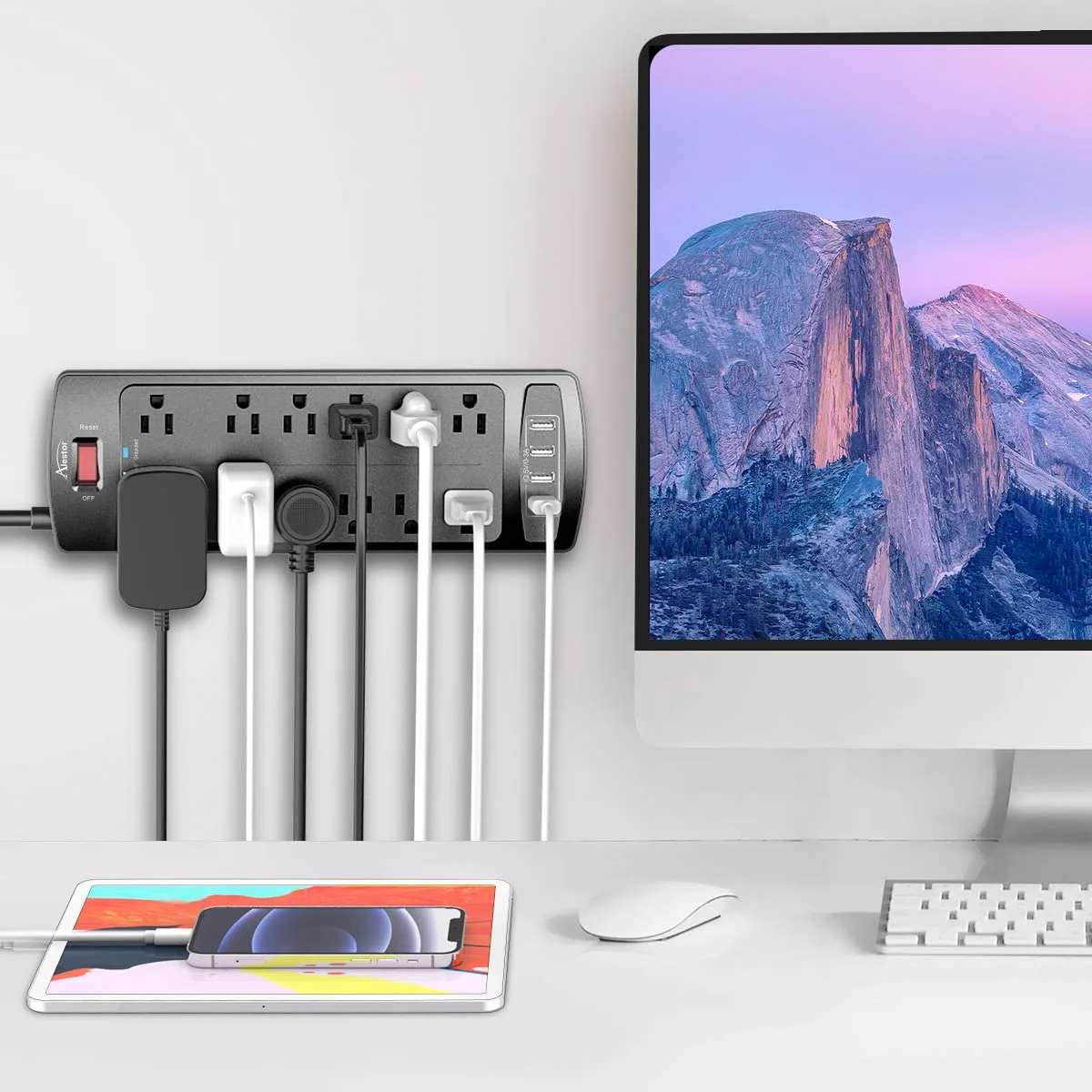
A power strip is built for many small loads at once, and the whole strip shares one 15 A rating, the same circuit it plugs into. Twelve outlets do not mean twelve heaters.

On the strip

  • Computers, monitors and a printer
  • A TV with its streaming box, console and speakers
  • A router and a modem
  • Phone, tablet and watch chargers
  • Desk and floor lamps
  • Power tool battery chargers on a bench

Straight into the wall

  • Space heaters and fans, which go straight into a wall outlet
  • Refrigerators, freezers and microwaves
  • Washers, dryers, stoves and air conditioners
  • Another power strip or an extension cord
  • Anything that draws more than the strip is rated for

07Questions

What people ask about Alestor

Which Alestor cord length should you buy?

Measure the route from your wall outlet to where the strip will sit, along the baseboard and around furniture, then add a foot or two of slack. If you land between two lengths, take the longer one. Six feet suits a desk against the wall, 20 feet a bench across the room. The cord length guide walks through it.

Can you plug a space heater into your Alestor strip?

No. CPSC says to plug an electric space heater directly into a wall outlet, never into an extension cord or a power strip, and the same goes for refrigerators and microwaves. The strip is built for computers, TVs, chargers and lamps. Our guide on what not to plug into a power strip has the full list.

Will your laptop charge from the Alestor USB-C port?

The USB-C port gives up to 3 A at 5 volts, which is 15 watts. That charges phones, earbuds, watches and most tablets, but a laptop that wants USB-C power delivery charges slowly or not at all. Plug the laptop's own charger into one of the AC outlets, ideally one of the two wide-spaced ones at the top.

Do big adapters fit on your Alestor strip without blocking other outlets?

The top two outlets are set 2 inches apart for exactly that: laptop bricks, router supplies, smart speaker plugs. Put the wide plugs there first. The ten outlets below are at standard spacing, so two bulky adapters side by side in those rows can still cover a neighbor.

What does the Protected light on your Alestor strip tell you?

As long as it stays lit, the protection circuit is doing its job. If the strip is switched on and the light has gone out, the surge protection is not working and the strip should be replaced. ESFI advises using protectors with exactly this kind of light, one that tells you when it needs replacing.

Where can you buy an Alestor surge protector?

Every length and finish has its own buy button on this site. It opens the strip you picked at our retail partner, where the price is confirmed and you check out. Payment, delivery and returns are handled there too.